
Best Budgeting Apps in Canada
If your money disappears before payday, a budgeting app can give you a real picture of where it goes. The right tool can track spending, sort bills, and show whether you are actually saving or just guessing. That matters now because prices stay sticky, interest rates still bite, and small leaks in your budget add up fast. The phrase best budgeting apps gets thrown around a lot, but the best app for you is the one you will open regularly and trust with your data. Not the flashiest one. Not the one with the longest feature list. The one that helps you make cleaner decisions.
Look, money management is a bit like organizing a kitchen. If every tool has a place, dinner gets easier. If nothing has a place, you waste time hunting for things and make bad calls under pressure.
- Pick an app that fits your habits. Manual input works for some people. Bank sync works better for others.
- Check Canadian support. CAD pricing, Canadian banks, and local institutions matter.
- Watch the fees. Free plans can work, but limits may be tight.
- Protect your data. Read the app’s security and privacy terms before you connect accounts.
- Use the app daily or weekly. A budgeting tool only helps if you open it.
What makes the best budgeting apps worth your time?
The best budgeting apps do three jobs well. They show you where your money goes, help you plan what to do next, and make it harder to ignore problems. That sounds basic, but basic is the point. A budget that takes 20 minutes to maintain will beat a fancy system that you abandon in week two.
For Canadian users, the details matter. You want support for local banks and credit cards, accurate currency handling, and a setup that does not turn into admin work. Many apps also differ on sync speed, transaction rules, and whether they support goals, envelopes, or shared budgets.
The best app is not the one with the most charts. It is the one that changes your behaviour.
How to compare the best budgeting apps
Start with the boring stuff. It usually saves you the most regret.
- Check bank connectivity. If your accounts do not sync well, you will spend your time fixing data instead of using it.
- Look at category tools. Some apps auto-sort spending. Others let you build custom categories and rules.
- Review cash flow views. You need to know whether you can cover bills before they hit.
- Test the goal features. Savings targets, debt payoff plans, and bill reminders should be easy to set.
- Read the export options. If you ever leave, can you take your data with you?
And yes, price matters. But free is not always cheap. If a free app pushes you into manual work every night, you are paying with attention. That cost adds up.
best budgeting apps and the features that matter most
When people compare the best budgeting apps, they often chase a perfect score. That is the wrong game. Instead, compare features against your real life.
If you want less manual work
Choose an app with strong bank syncing and clean transaction rules. Mint is gone, so many Canadians now look at alternatives that support local accounts better. If syncing is shaky, your budget will drift. Then you stop trusting it.
If you want more control
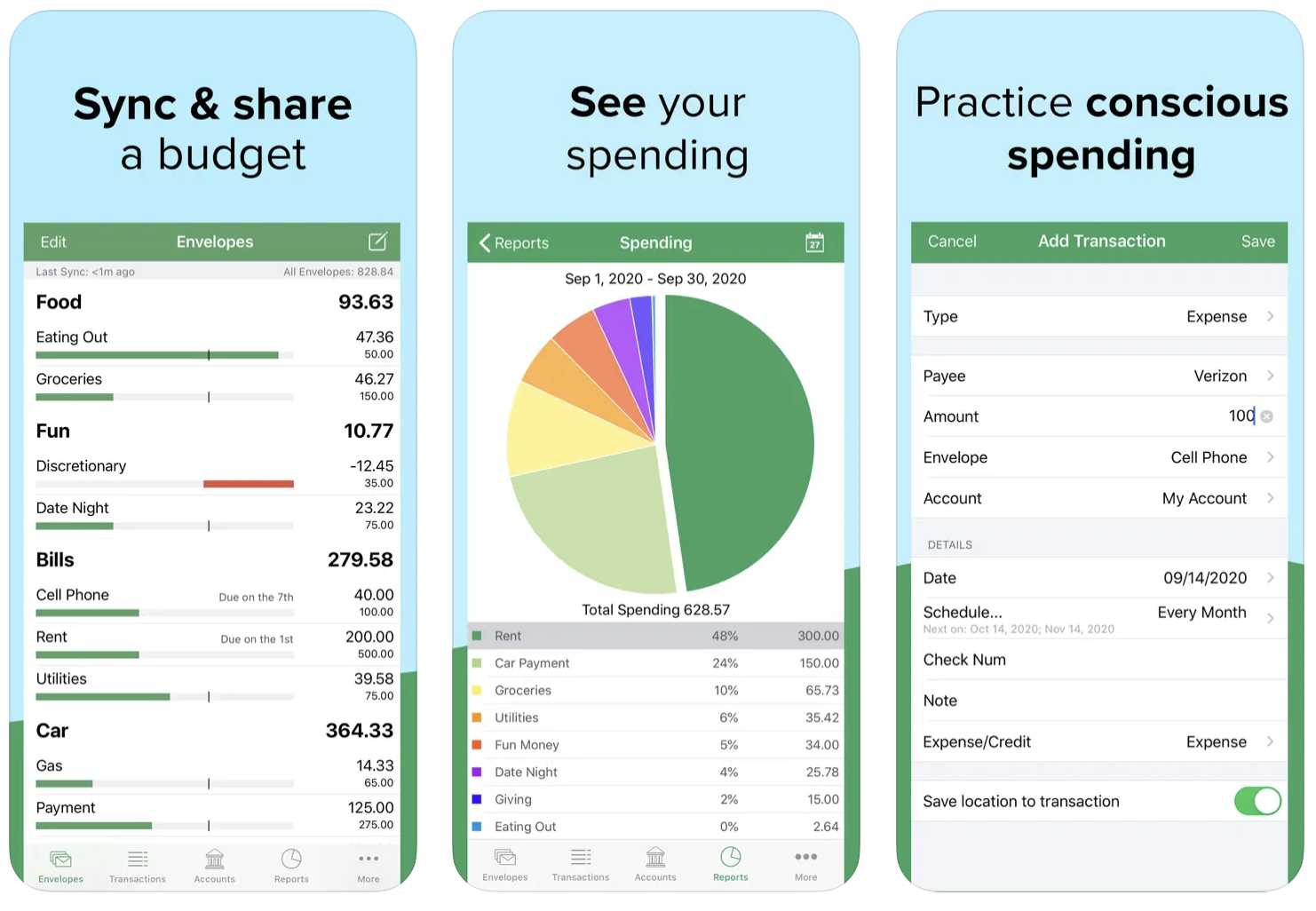
Pick an app that lets you assign every dollar a job. Envelope-style budgeting suits people who want hard limits on food, travel, and extras. It can feel strict, but strict is useful when spending gets fuzzy.
If you want to pay down debt
Look for debt payoff planners, credit card tracking, and alerts for due dates. A good app can show how extra payments change your timeline. That is often more motivating than a vague promise to “do better.”
Think of it like training for a race. You do not need the fanciest shoes. You need the pair that fits, stays on, and does not slow you down.
Which users need which budgeting style?
Different people need different tools. Shocking, right?
Students and first-job earners usually need simple spending tracking and bill reminders. They benefit from quick setup and low cost.
Families often need shared visibility, recurring bill tracking, and room for variable spending like groceries, childcare, and school costs.
Freelancers and side-hustlers should look for income tracking, tax category separation, and cash flow forecasting. Irregular income makes a weak app look worse fast.
Couples need shared goals and clear rules about joint versus personal spending. Without that, a budget app can become a fight log instead of a tool.
What to avoid before you commit
Some apps look polished but create more work than they save. Skip tools that bury core features behind paywalls if you need them on day one. Be careful with apps that do not explain how they handle your data, especially if they connect to multiple financial accounts.
Also watch for fake simplicity. If an app only gives you pretty graphs and no way to act on them, it is decoration. Nice decoration, maybe. Still decoration.
One more thing. If you hate manual entry, do not buy an app that depends on it. You will not suddenly become that person who enjoys logging every coffee.
How to test a budgeting app in one week
Give yourself a short trial before you settle in. A week is enough to spot friction.
- Connect your main bank and one credit card.
- Import a full week of transactions.
- Set three categories that matter most to you.
- Create one savings goal and one bill reminder.
- Check the app every day for seven days.
If the app feels clumsy on day three, it will not feel magical on day thirty. You do not need more features. You need fewer excuses.
Your next move
The smartest way to choose among the best budgeting apps is to start with your biggest money pain point. Overspending? Pick strong category controls. Missed bills? Choose reminders and cash flow alerts. Irregular income? Choose forecasting and flexible planning. What matters is not whether an app looks impressive in a review. What matters is whether it helps you make one better money decision this week. Try one app, track your habits for seven days, and see what changes first.